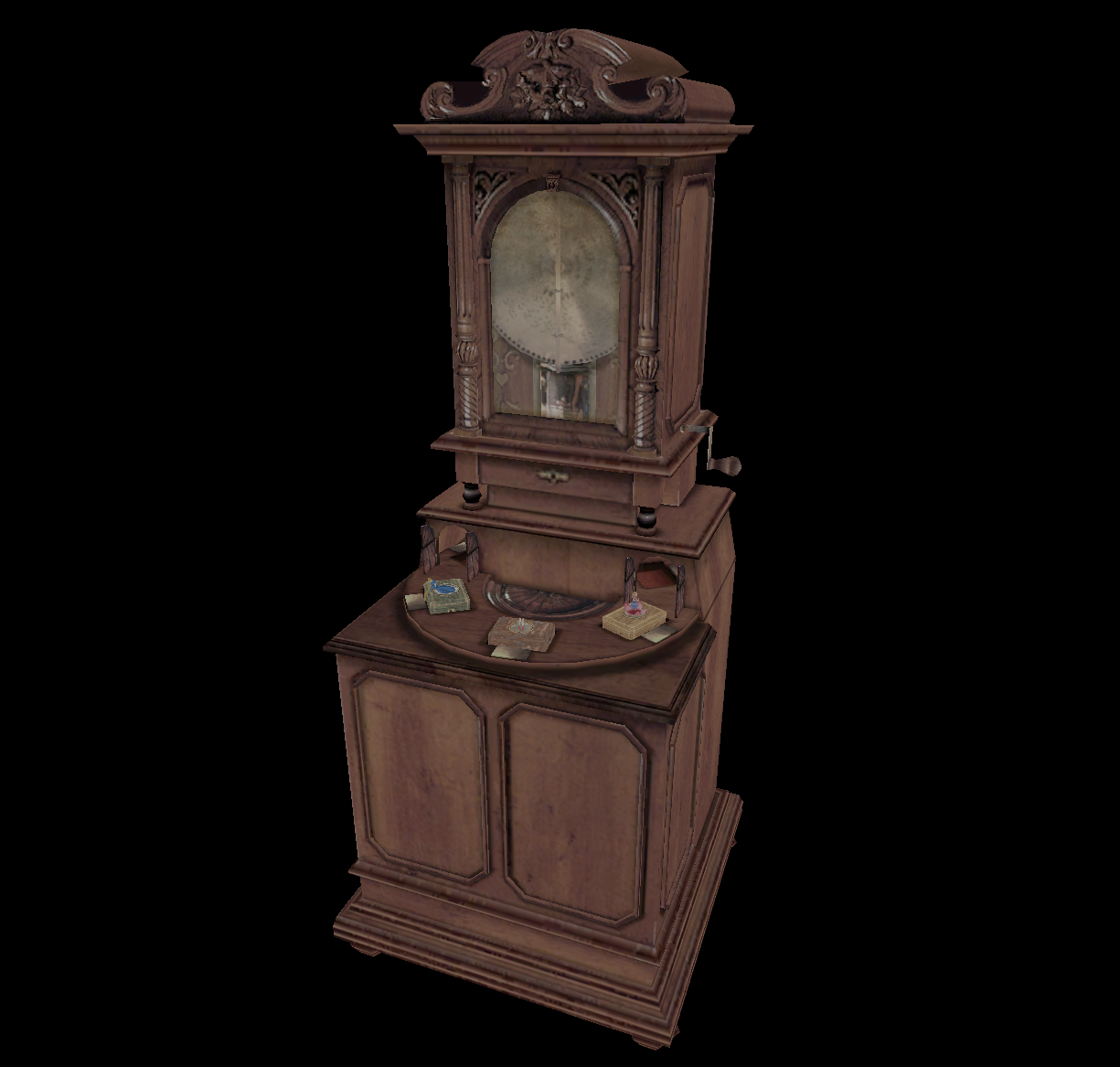
this is a historical archive of the art from silent hill 1, 2, and 3.
here, you can see:
every model (.mdl) file from silent hill 1.
every model (.mdl) file from silent hill 2 restless dreams (pc).
most model (.mdl) files from silent hill 3 (ps2).
many animation (.anm) files from silent hill 1.
some animation (.anm) files from silent hill 2.
these source files are not easy to read; they are mazes of binary, made
specifically for konami. each model here has been reverse-engineered
from scratch.
the goal of this effort is to preserve knowledge of these models and how
they work, forever.
how do i use it?
use the "next file" and "previous file" buttons in the data controls to
find a file you like. move the camera around by dragging on the screen.
on a computer, try pressing k to see the keyboard controls.
play around with the different options and explore the museum!
Generally, Konami Digital Entertainment B.V. does not object to fans
using copyrighted materials for non-commercial purposes, and in a
manner which does not intentionally spoil the plot of a game for other
players.
By "non-commercial" we mean that you cannot use our copyrighted
material to promote a product you are selling or making any profit
from, like wallpapers, t-shirts, skins for electronic devices, etc.
nor can you use it to monetise a website or a media channel.
who made this?
team silent created all of the amazing art you see here.
dreamingmoths (AKA laura
ann) wrote much of the code for this website. but i couldn't have done
this without the efforts of some people on the internet, whose resources
have been invaluable:
the contributors to the
silent hill decomp
project. thank you for all your help and amazing work.
descawed, who contributed
the animation file format spec for silent hill 2.
quaker762
and girianseed, who
published
sh2_source, a
repository containing the dwarf debug symbols of silent hill 2.
iorange, who made
sh2tex, which is a
really excellent texture extractor for silent hill 2. pretty much all
the work done on sh2 textures here is directly from them.
murugo, who independently
built a complete
blender addon
for both ps2 and pc models! he helped me fix the normals as of
v0.1.10. also, murugo has reversed the blendshape data in models, as
well as the animation and shadow formats!
by clicking "i agree", you hold to never misuse these
assets, especially for commercial purposes. please see konami's
statement on copyrighted materials:
Generally, Konami Digital Entertainment B.V. does not object to fans
using copyrighted materials for non-commercial purposes, and in a
manner which does not intentionally spoil the plot of a game for other
players.
By "non-commercial" we mean that you cannot use our copyrighted
material to promote a product you are selling or making any profit
from, like wallpapers, t-shirts, skins for electronic devices, etc.
nor can you use it to monetise a website or a media channel.
we do not claim legal responsibility for any misuse of these assets.
thanks for agreeing to the terms!
for blender, try setting "render method" to "dithered" in material
settings > surface.
older blender recommendations for sh2 models:
when importing, be sure to select "temperance" for the "bone dir"
dropdown. this gives the most accurate skeletons.
in material settings, try setting the blend mode for any transparent
parts (including hair) to "alpha hashed". all non-transparent parts
should be set to "alpha clip".
this is an educational page for adults, researchers, and fans of horror
history.
some content may be considered violent or cruel.
are you sure you want to continue? if you accept, your confirmation will
be saved.
Edit View ✨
welcome to edit mode! here you can make your
own models in mdl format and explore the file structure.
drag & drop any
gltf/glb model
onto the page. this will edit the mdl file, effectively swapping
the model.
(alternatively, use the file picker here.)
import logging goes here...
we don't see the files you send. everything runs locally on the
browser.